Getting started
Install the package, load a recording, and write the audio back to disk.
Zero-setup quickstart
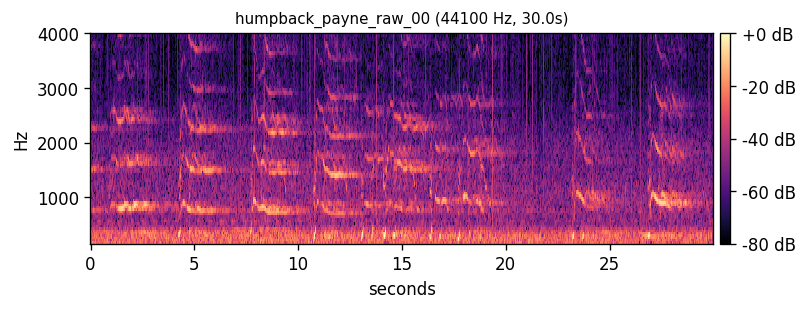
If you have the package installed and a working network, this is the shortest path to real audio:
from decipher import fetch
[humpback] = fetch(paper_id="001_payne_mcvay_1971",
                   substrate="humpback_song_raw", limit=1)
print(humpback.sr, humpback.duration_s, humpback.path)
For three species side by side, see the audio gallery.
Install
From the project root, install in editable mode:
pip install -e .Dependencies are pinned in pyproject.toml. Heavy optional
dependencies (torch, torchaudio, librosa, hdbscan) are imported lazily inside the functions that need them.
Load and listen
from decipher import load_audio, write_wav

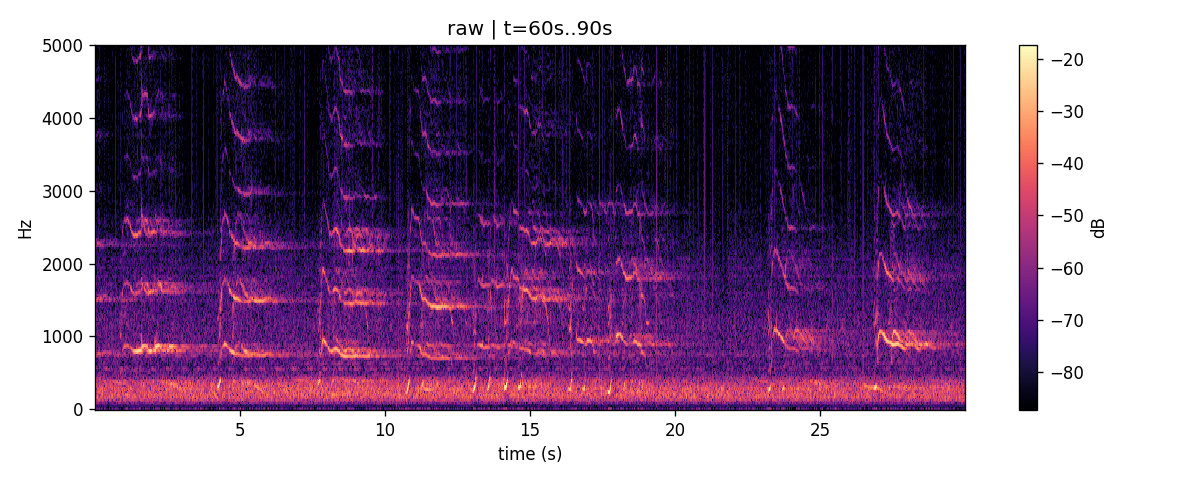
src = load_audio("recording.wav")
print(src.sr, src.duration_s, src.samples.shape)

# write the (mono, float32) samples back — the round-trip invariant
write_wav("roundtrip.wav", src.samples, src.sr)
load_audio returns an AudioSource dataclass that
carries provenance: original sample rate, original channel count, file path,
optional source URL, and optional dataset label. Stereo input is downmixed to
mono by mean.
Bandpass, then re-listen
from decipher import bandpass, write_wav

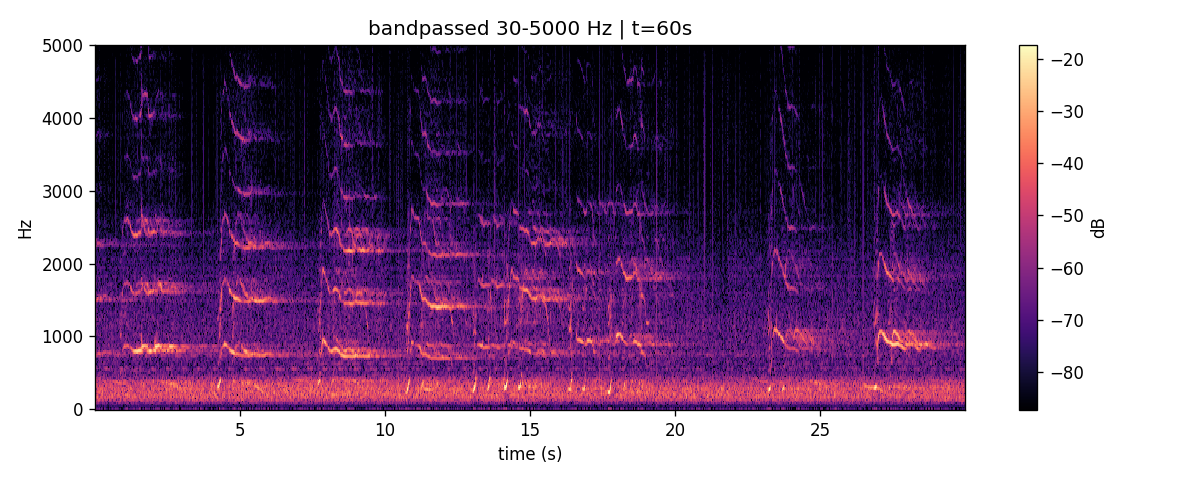
bp = bandpass(src.samples, src.sr, lo_hz=40, hi_hz=4000)
write_wav("bp.wav", bp, src.sr)
The bandpass is a zero-phase Butterworth filter (default order 4). The
output is float32 and remains writable to a 16-bit PCM WAV via write_wav.
Detect acoustic units
from decipher import detect_units

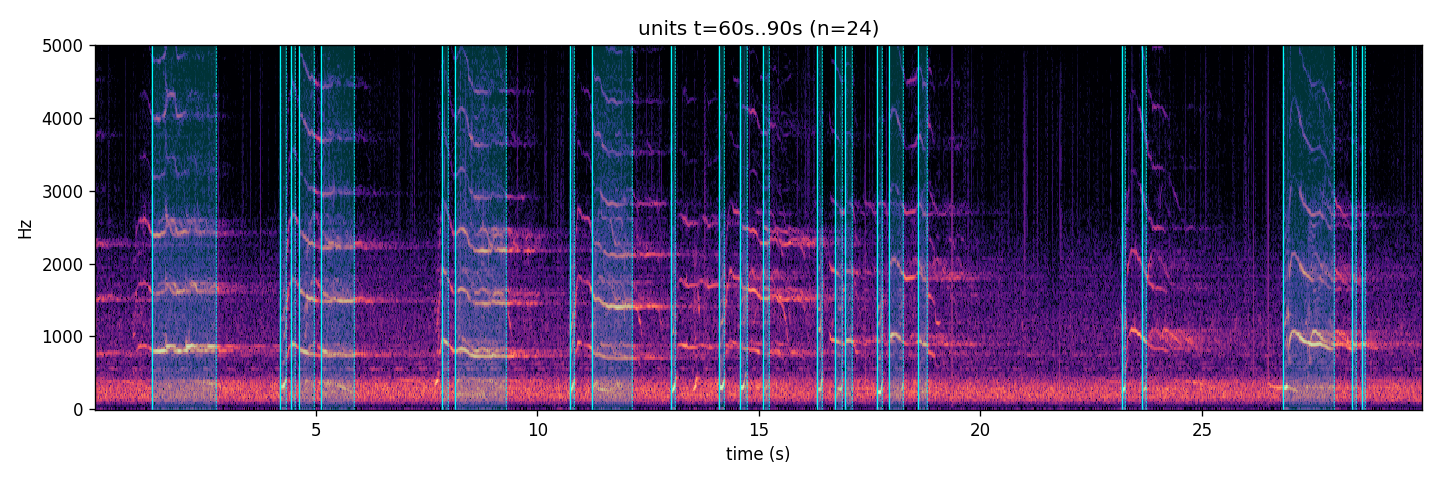
units = detect_units(bp, src.sr, threshold_db=6.0)
print(len(units), "units")
print(units[0].start_s, units[0].end_s, units[0].duration_s)
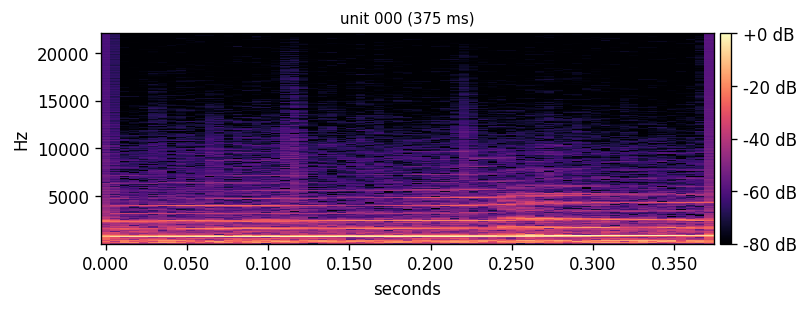
Each Unit carries its own source_samples array, so
you can write any unit to disk and listen to it.
from decipher import write_wav
write_wav("unit_0.wav", units[0].source_samples, units[0].sr)
Next
- Core concepts — the data structures and the round-trip invariant.
- Cluster units into types — go from a list of Units to a SymbolStream.
- API reference for
decipher.audio.